Fully Remove Domain from GWS
Scenario
- GWS essential starter does not support the free version of Cloud Identity. To use it, you need to:
- Refer to step 2 in Cancel Essentials - Google Workspace Admin Help to remove the subscription
- If removing the subscription still doesn’t allow you to apply for the free version of Cloud Identity normally, as shown in the image below, additional manual removal process is required
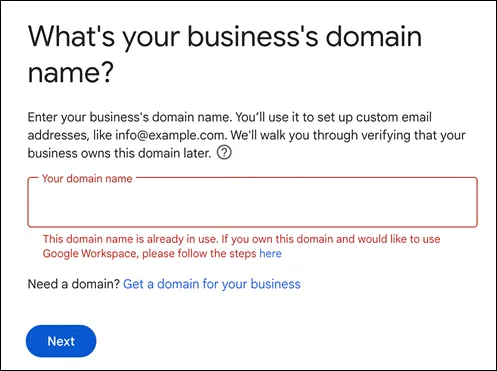
Steps
Request Removal
Go to Google Tool Box to perform the removal operation
Enter the URL
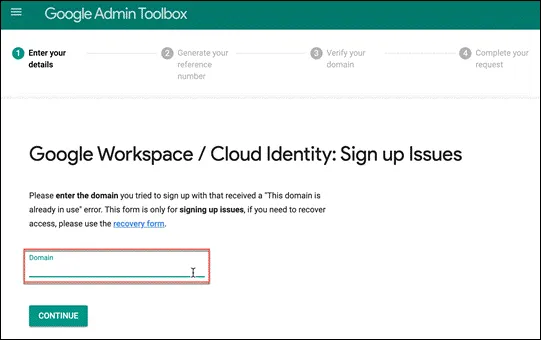
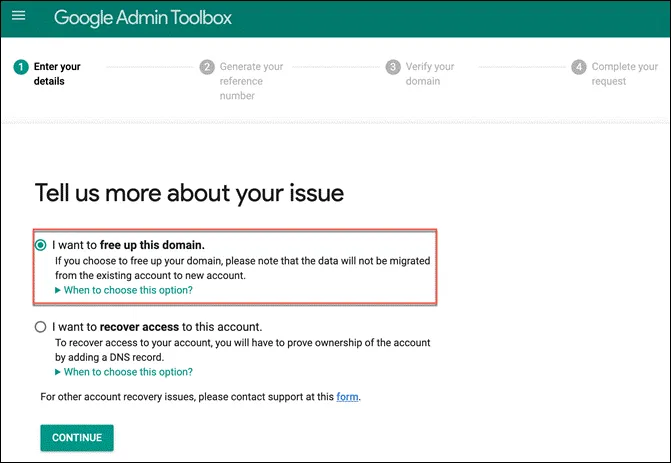
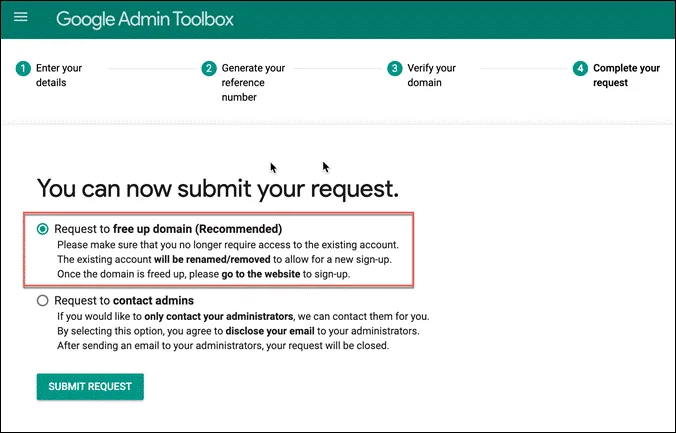
Choose to release the domain
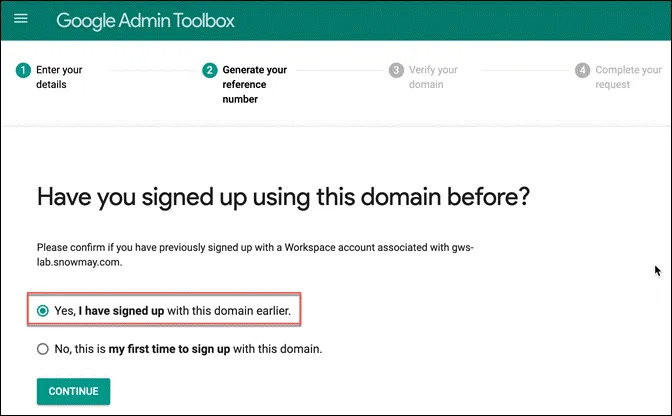
Since GWS has been used before, select that you have previously registered this domain
Next, proceed with domain verification. Follow the instructions to set up DNS
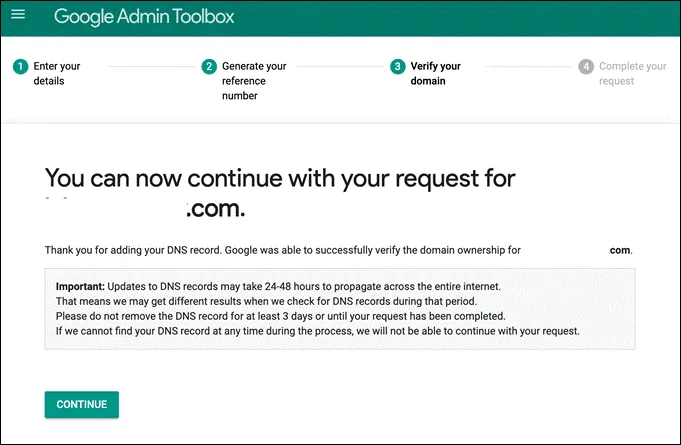
Click on the first option to release the domain
You need to wait for three business days for manual processing
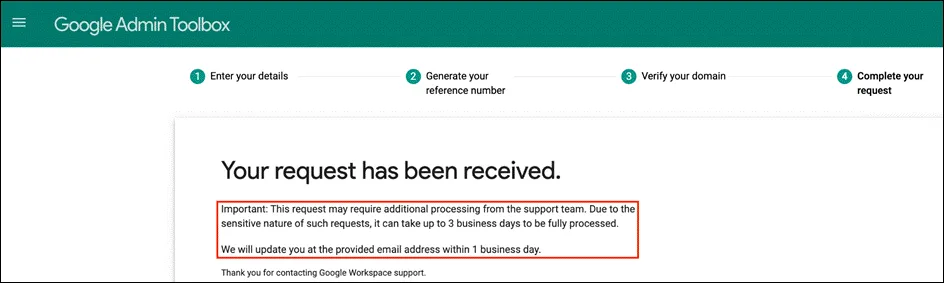
Removal Confirmation
The system will send an email to the address you provided
If you accidentally close it, the system will also send an email with a link to continue the process
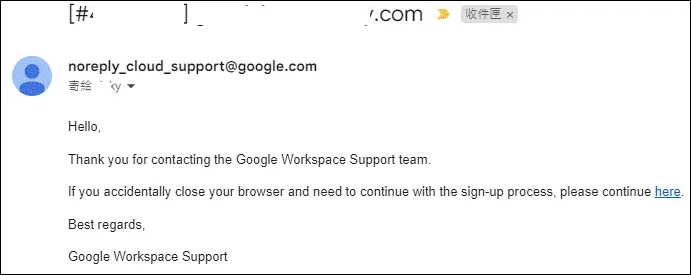
Confirm the case number
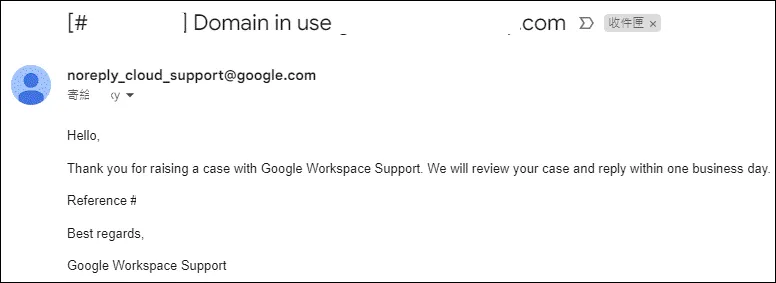
After confirming the completion of removal, another notification email will be sent
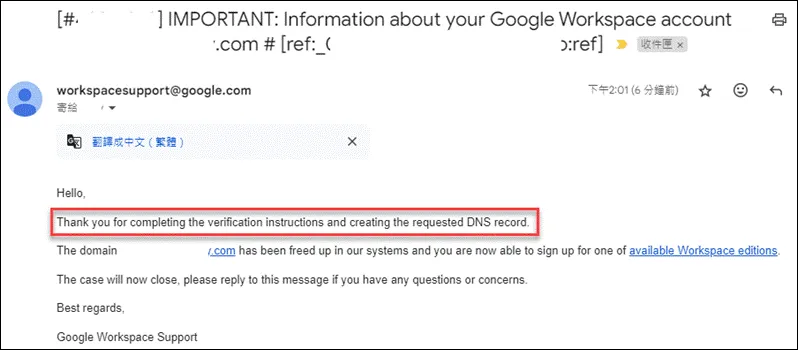
Troubleshooting
Domain Cannot Be Released Directly
After entering the domain and clicking next, if you see the following screen
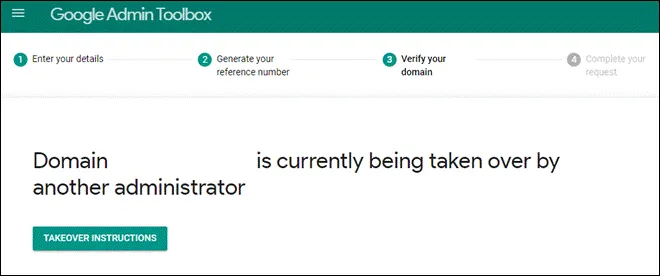
The solution is to enter the GWS admin panel and click on “Delete your account” to release it